
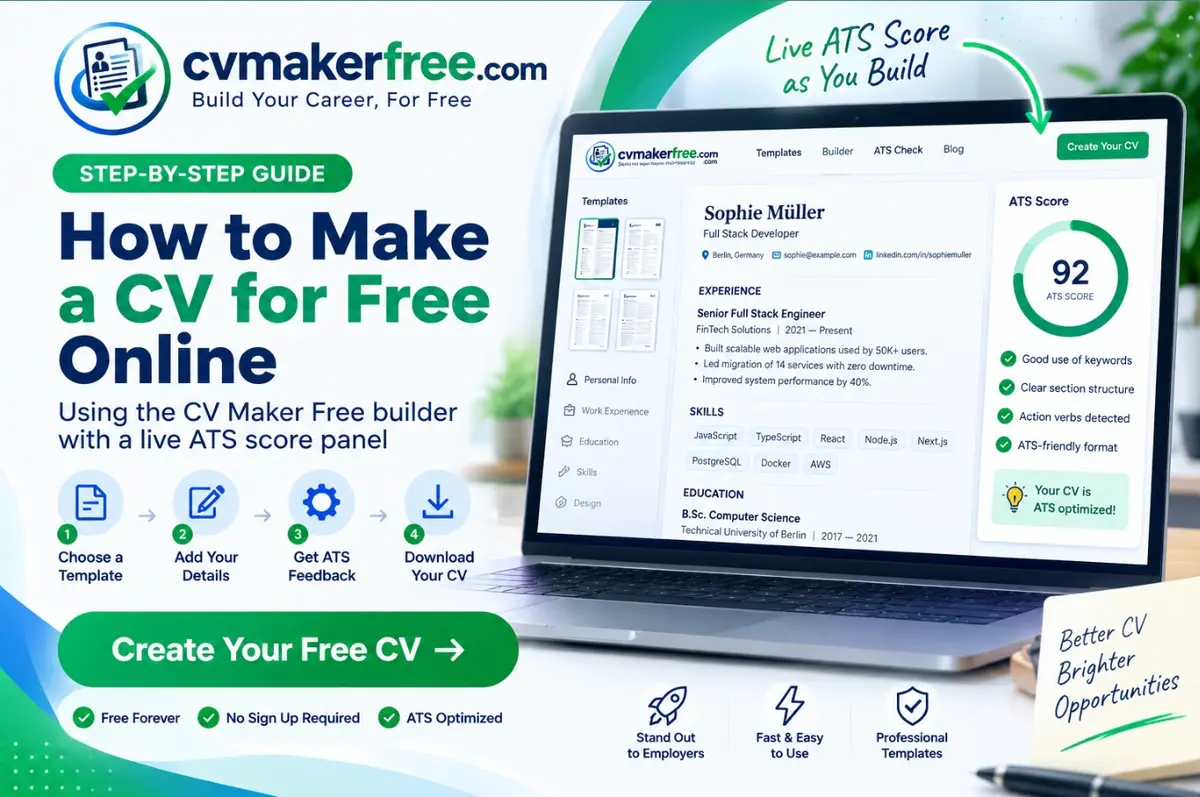
To make a CV for free, open an online CV maker, choose a single-column ATS-friendly template, enter your contact details, work experience, education and skills, then download the finished file as a PDF. With a tool like CV Maker Free, the whole process takes about ten minutes and needs no account, no payment and no watermark.
Most people lose their first job application to formatting, not to a lack of talent. A CV built in a word processor drifts out of alignment, breaks across pages, and often fails to parse in the applicant tracking system that reads it first. This guide walks through the whole process — structure, wording, file format and final checks — so the CV you send is one a recruiter can actually read.
What is a CV and what should it contain?
A CV (curriculum vitae) is a document that summarises your professional history for an employer: who you are, what you have done, what you can do, and how to reach you. Outside academia, a modern CV is one to two pages long and is judged on evidence rather than adjectives.
Every effective CV contains the same six blocks:
- Header — full name, job title, city and country, phone, professional email, LinkedIn or portfolio URL
- Professional summary — three to four lines stating your role, years of experience and strongest result
- Work experience — reverse chronological, with month and year on every role
- Education — degree, institution, graduation year
- Skills — technical tools and job-specific abilities, not personality traits
- Extras — certifications, languages, publications or volunteering, where relevant
How to make a CV for free: seven steps
Step 1: Choose a template before you write
Picking the layout first stops you writing 900 words that will not fit. Choose a single-column design with standard headings. Two-column CVs, sidebars, headshots and text boxes look impressive in a browser and frequently arrive at the employer as scrambled text. Browse the free CV templates and start with Classic or Modern if you are unsure.
Step 2: Write a header that a parser can read
Put your details in the body of the document, never in a header or footer field — many parsers ignore those regions completely. Use an email address built from your name. Add your city and country rather than a full street address; employers screening internationally want to know your location and time zone, not your postcode.
Step 3: Write the summary last, but place it first
A professional summary sits under your header and answers one question: why should this person keep reading? Name your role, your experience level and one measurable achievement. Write it after the rest of the CV is finished, when you can see which results are strongest.
Step 4: Turn duties into achievements
This is the step that separates a CV that gets interviews from one that does not. A duty describes the job; an achievement describes what changed because you were in it.
| Weak (duty) | Strong (achievement) |
|---|---|
| Responsible for social media accounts | Grew Instagram following from 4k to 31k in 11 months, lifting referral traffic 62% |
| Handled customer complaints | Resolved 40+ tickets daily at a 96% satisfaction rating, the highest on a team of nine |
| Worked on the company website | Rebuilt checkout flow in React, cutting cart abandonment from 71% to 54% |
Open every bullet with an action verb — led, built, reduced, launched, negotiated, automated — and attach a number wherever one honestly exists. Percentages, currency amounts, team sizes, volumes and timeframes all count.
Step 5: List skills the job posting actually names
Read the advert and mirror its vocabulary. If it says “stakeholder management”, write stakeholder management rather than “working with people”. Keep skills concrete: software, languages, frameworks, machinery, certifications and methodologies. Leave out “hard-working” and “team player” — every applicant claims both, so neither carries information.
Step 6: Score the CV before you send it
Run the finished document through the free ATS CV checker. It flags the problems people miss in their own writing: missing dates, filler phrases, bullets that run past two lines, achievements with no numbers, and headings a parser will not recognise. Fix everything it names before you apply anywhere.
Step 7: Download as PDF, and keep a Word copy
PDF preserves your layout on every device and is the correct default. Some recruitment agencies still request an editable file, so export a .docx as well and keep both. Name the file properly: Firstname-Lastname-CV.pdf, never cv-final-v3.pdf.
Are free CV makers actually free?
Many are not. The common pattern is a free builder that asks for payment at the download step, or that stamps a watermark across the page unless you subscribe. Before you invest an hour in any tool, check three things: whether download is free, whether the file carries a watermark, and where your data is stored.
CV Maker Free does not require an account or payment, applies no watermark, and keeps your CV in your own browser storage rather than on a server — which also means you should use the backup button before clearing your browser data.
How long should a CV be?
One page if you have under ten years of experience, two pages beyond that. Academic and research CVs are the exception and can run much longer because they list publications, grants and teaching. If you are one or two lines over, tighten the writing before you shrink the font; the fit-to-one-page control in the online CV editor handles the layout side for you.
Which CV format should you use in different countries?
| Region | Expected format | Photo | Length |
|---|---|---|---|
| UK & Ireland | Achievement-led CV | No | 2 pages |
| USA & Canada | Resume | No | 1 page |
| EU (DE, FR, IT, ES) | Europass CV or structured CV | Often yes | 2 pages |
| UAE & Gulf | CV with nationality and visa status | Common | 2 pages |
| Australia & NZ | CV, detailed | No | 2–3 pages |
Final checklist before you apply
- Every role carries a month and year
- No unexplained employment gaps longer than six months
- At least half your bullets contain a number
- The file is a PDF named with your own name
- Contact details are in the body, not the header field
- A tailored cover letter is attached where the employer asks for one
Frequently asked questions
Can I make a CV for free without signing up?
Yes. CV Maker Free lets you build, score and download a CV as PDF or Word without an account, email address or payment, and adds no watermark to the file.
How long does it take to make a CV?
About ten minutes with a builder if you already know your dates and job titles. Tailoring it to a specific vacancy takes another ten to fifteen minutes per application, and it is worth it.
Is a PDF or Word CV better?
PDF for almost every application, because the layout cannot shift. Send Word only when the employer or agency explicitly asks for an editable version.
Should I put a photo on my CV?
Not in the UK, USA, Canada, Ireland or Australia, where photos raise discrimination concerns and are usually removed. Photos are normal in much of continental Europe, the Middle East and parts of Asia.
Can I make a CV on my phone?
Yes. The editor stacks into a single column on small screens, so you can write, check and download a complete CV from a phone.
Build your CV now
You have the structure. The fastest way to apply it is to open the builder, pick a template and write with the score panel visible so problems get fixed as they appear. Start your free CV →